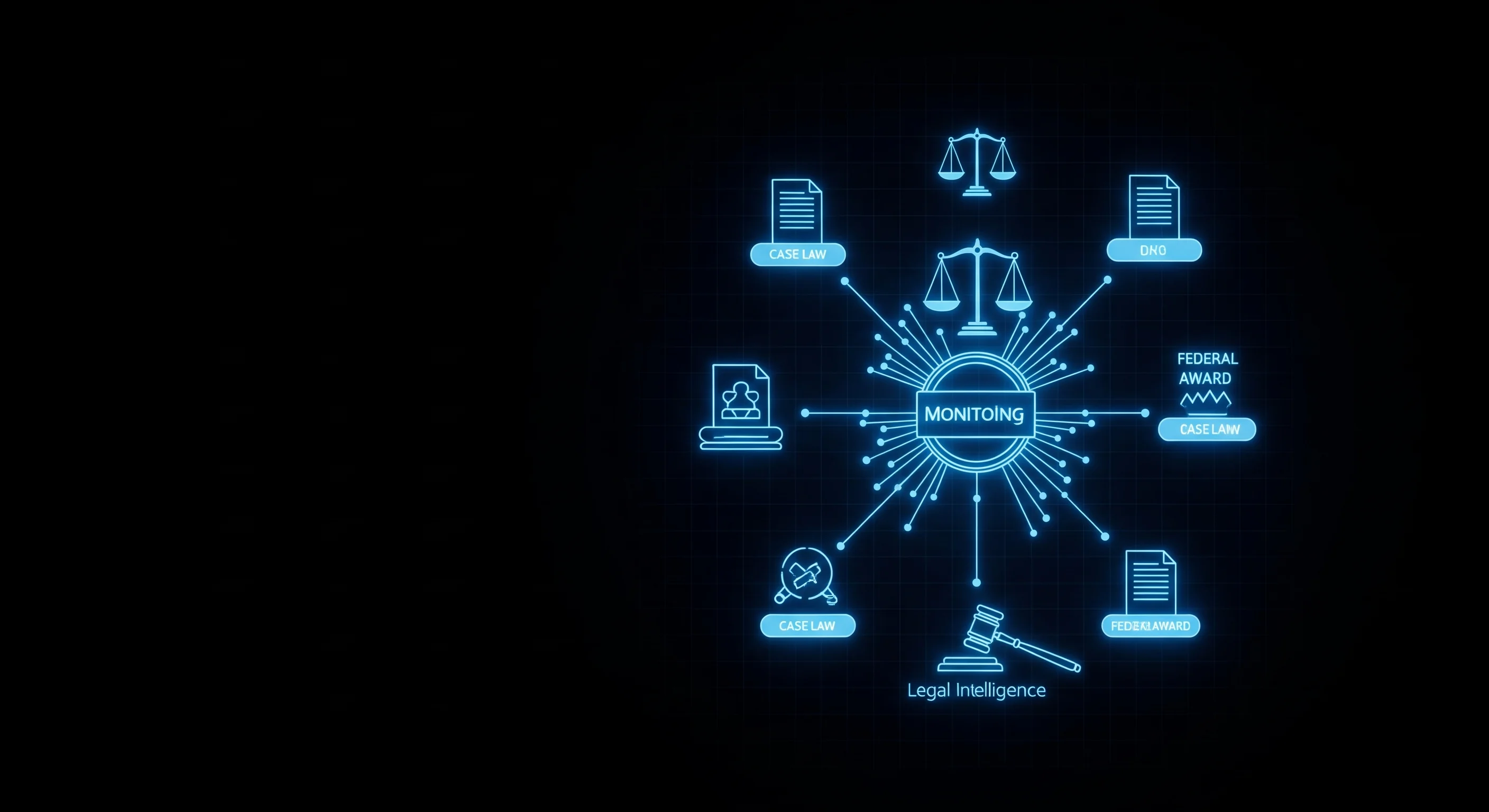
Building a Legal & Regulatory Intelligence Pipeline with Court Records, Federal Rules, and Contract Data
Track case law, new federal regulations, and government contract awards automatically. A step-by-step guide to wiring three public-data scrapers into a
The actor referenced in this article. Pay only for results delivered.
Legal and regulatory signal is some of the most valuable intelligence a company can have, and some of the hardest to keep up with. A new court decision reshapes how a statute is enforced. An agency proposes a rule that changes a compliance deadline. A competitor wins a federal contract that signals where a market is moving. Each of these lives in a different system, in a different format, on a different update schedule.
The good news is that all three are public records with structured, queryable sources. You do not need a Bloomberg Law seat or a LexisNexis contract to monitor them. You need three scrapers and a scheduler.
TL;DR: Build an automated legal and regulatory intelligence pipeline from three public data layers: case law and dockets from CourtListener, rulemaking from the Federal Register, and procurement signal from USASpending. Each returns clean JSON, each is pay-per-result with zero charge on empty runs, and each plugs into a Claude agent as a tool. A weekly briefing covering a company and its sector costs roughly $5 to $15 per month in Apify compute plus a few dollars in model fees.
This guide builds the pipeline end to end: pulling relevant decisions, monitoring new regulations by agency and topic, tracking contract awards in a target sector, and synthesizing all three into a weekly briefing with Claude.
The Three Public Data Layers
Legal intelligence is not one feed. It is three distinct signals, each answering a different question.
| If you need to know… | Source | Scraper |
|---|---|---|
| How a court interpreted a law | Federal and state opinions, dockets | CourtListener |
| What a regulator is about to require | Proposed and final rules, notices | Federal Register |
| Where federal money is flowing | Contracts, grants, awards | USASpending |
| Whether a competitor is litigating | Dockets by party name | CourtListener |
| What compliance deadlines are coming | Final rules with effective dates | Federal Register |
| Which agencies are buying in your space | Awards by NAICS code | USASpending |
The pattern is consistent: pick the authoritative source for each question, pull it fresh when you need it, and force any downstream model to cite the specific record it relied on.
Step 1: Pull Relevant Case Law
The CourtListener Scraper searches US federal and state court opinions and dockets. You give it a query and optional filters for court and date range, and it returns case name, court, judge, date, citations, and a direct URL to the source.
import os
from apify_client import ApifyClient

apify = ApifyClient(os.environ["APIFY_TOKEN"])

def search_case_law(query: str, court: str = "", date_from: str = "", max_results: int = 50) -> list[dict]:
    """Search court opinions on a legal topic or by party."""
    run = apify.actor("themineworks/courtlistener-court-records").call(run_input={
        "query": query,
        "resultType": "opinions",
        "court": court,
        "dateFrom": date_from,
        "maxResults": max_results,
    })
    return list(apify.dataset(run["defaultDatasetId"]).iterate_items())


# Example: how have courts treated non-compete enforceability recently?
opinions = search_case_law("non-compete agreement enforceability", date_from="2024-01-01")
for o in opinions[:5]:
    print(f"{o.get('caseName')} — {o.get('court')} ({o.get('dateFiled')})")
    print(f"  {o.get('absoluteUrl')}")
Switch resultType to "dockets" to track active litigation by party name instead of published opinions. This is how you watch whether a competitor, supplier, or counterparty is involved in new cases.
# Watch for new litigation involving a specific company
dockets = search_case_law("Acme Robotics Inc", max_results=25)
Step 2: Monitor New Regulations by Agency and Topic
Court decisions tell you how existing rules are interpreted. The Federal Register Scraper tells you what new rules are coming. It searches proposed rules, final rules, notices, and presidential documents, filterable by agency and date.
def monitor_regulations(term: str, agencies: list[str] = None, days_back: int = 7) -> list[dict]:
    """Find new rules and notices on a topic from the last N days."""
    from datetime import datetime, timedelta
    date_from = (datetime.utcnow() - timedelta(days=days_back)).strftime("%Y-%m-%d")

    run = apify.actor("themineworks/federal-register-scraper").call(run_input={
        "searchTerm": term,
        "documentTypes": ["RULE", "PRORULE", "NOTICE"],
        "agencySlugs": agencies or [],
        "dateFrom": date_from,
        "maxResults": 50,
    })
    return list(apify.dataset(run["defaultDatasetId"]).iterate_items())


# Example: what did the EPA and FDA publish on PFAS this week?
rules = monitor_regulations(
    "PFAS",
    agencies=["environmental-protection-agency", "food-and-drug-administration"],
    days_back=7,
)
for r in rules:
    print(f"[{r.get('type')}] {r.get('title')} — {r.get('publicationDate')}")
Final rules ("RULE") carry effective dates and compliance deadlines. Proposed rules ("PRORULE") carry comment-period deadlines, which is where you still have a chance to influence the outcome. Filtering by documentTypes lets you route each to the right team.
Step 3: Track Contract Awards in Your Sector
Procurement data is the third leg. The USASpending Federal Awards scraper surfaces every federal contract, grant, and loan, filterable by keyword, agency, NAICS code, recipient, amount, and state. It answers a different kind of question: not “what is the law” but “where is the money, and who is winning it.”
def track_awards(keywords: list[str], naics: list[str] = None, min_amount: int = 100_000) -> list[dict]:
    """Find recent federal awards in a sector."""
    run = apify.actor("themineworks/usaspending-federal-awards").call(run_input={
        "keywords": keywords,
        "naicsCodes": naics or [],
        "awardType": "contract",
        "minAmount": min_amount,
        "maxResults": 100,
    })
    return list(apify.dataset(run["defaultDatasetId"]).iterate_items())


# Example: who is winning federal cybersecurity contracts?
awards = track_awards(
    keywords=["cybersecurity", "zero trust"],
    naics=["541512"],   # Computer Systems Design Services
    min_amount=250_000,
)
for a in awards[:10]:
    print(f"{a.get('recipientName')} — ${a.get('awardAmount'):,.0f} ({a.get('awardingAgency')})")
For competitive intelligence, filter by recipientSearch to watch a specific company’s federal book of business, or by agencies to see which buyers are active in your category.
Wiring It Into a Claude Agent
Each scraper becomes a tool the model can call when a question requires fresh records. The key discipline is forcing citations: every claim the model makes must reference a specific case, rule, or award, so a human can verify it.
import anthropic
import json

claude = anthropic.Anthropic(api_key=os.environ["ANTHROPIC_API_KEY"])

tools = [
    {
        "name": "search_case_law",
        "description": "Search US court opinions or dockets. Returns case name, court, date, and source URL.",
        "input_schema": {
            "type": "object",
            "properties": {
                "query": {"type": "string"},
                "court": {"type": "string", "description": "Optional court id"},
                "date_from": {"type": "string", "description": "YYYY-MM-DD"},
            },
            "required": ["query"],
        },
    },
    {
        "name": "monitor_regulations",
        "description": "Find new Federal Register rules and notices on a topic. Returns title, agency, type, date.",
        "input_schema": {
            "type": "object",
            "properties": {
                "term": {"type": "string"},
                "agencies": {"type": "array", "items": {"type": "string"}},
                "days_back": {"type": "integer"},
            },
            "required": ["term"],
        },
    },
    {
        "name": "track_awards",
        "description": "Find recent federal contract awards in a sector. Returns recipient, amount, agency.",
        "input_schema": {
            "type": "object",
            "properties": {
                "keywords": {"type": "array", "items": {"type": "string"}},
                "naics": {"type": "array", "items": {"type": "string"}},
            },
            "required": ["keywords"],
        },
    },
]

TOOL_FUNCS = {
    "search_case_law": search_case_law,
    "monitor_regulations": monitor_regulations,
    "track_awards": track_awards,
}

def run_agent(question: str) -> str:
    messages = [{"role": "user", "content": question}]
    system = (
        "You are a legal and regulatory analyst. Use the tools to pull live public records. "
        "Cite every claim with the specific case name, rule title, or award recipient and its source. "
        "If a tool returns nothing, say so. Never substitute training knowledge for live records. "
        "You are not a lawyer and your output is not legal advice."
    )
    while True:
        resp = claude.messages.create(
            model="claude-sonnet-4-6",
            max_tokens=2048,
            system=system,
            tools=tools,
            messages=messages,
        )
        if resp.stop_reason != "tool_use":
            return resp.content[0].text
        results = []
        for block in resp.content:
            if block.type == "tool_use":
                out = TOOL_FUNCS[block.name](**block.input)
                results.append({
                    "type": "tool_result",
                    "tool_use_id": block.id,
                    "content": json.dumps(out[:8], default=str),
                })
        messages.append({"role": "assistant", "content": resp.content})
        messages.append({"role": "user", "content": results})


print(run_agent(
    "Summarize recent developments on non-compete enforceability: any new court opinions "
    "since 2024, any FTC rulemaking, and whether the FTC has awarded relevant contracts."
))
Running It on a Schedule
The real value is a standing briefing, not a one-off query. Run the three scrapers weekly, hand the combined results to Claude, and deliver a single digest.
import schedule, time

WATCH_TOPICS = ["non-compete", "data privacy", "PFAS"]
WATCH_COMPANIES = ["Acme Robotics Inc"]

def weekly_legal_brief():
    payload = {"opinions": [], "rules": [], "awards": []}
    for topic in WATCH_TOPICS:
        payload["rules"] += monitor_regulations(topic, days_back=7)
        payload["opinions"] += search_case_law(topic, date_from="2024-01-01", max_results=10)
    for company in WATCH_COMPANIES:
        payload["opinions"] += search_case_law(company, max_results=10)

    brief = run_agent(
        "Write a 6-bullet executive legal brief from this week's records. "
        "Group by topic, cite each source, and flag anything with a near-term deadline:\n"
        + json.dumps(payload, default=str)[:12000]
    )
    print(brief)   # or email / post to Slack

schedule.every().monday.at("07:00").do(weekly_legal_brief)
while True:
    schedule.run_pending()
    time.sleep(60)
Cost
All three scrapers are pay-per-result with no monthly rental and zero charge on empty runs. A weekly briefing covering a handful of topics and companies pulls a few hundred records per run. At pay-per-result rates that is roughly $5 to $15 per month in Apify compute, plus a few dollars in Claude Sonnet fees for the synthesis. Compare that to a single legal-research database seat, which starts in the hundreds of dollars per month.
Frequently Asked Questions
Is scraping court records and the Federal Register legal?
These are public government records, published specifically for public access. CourtListener, the Federal Register, and USASpending all expose this data through public interfaces. That said, this pipeline produces intelligence, not legal advice. Use it to surface and summarize records, then have a qualified attorney interpret anything that matters for a real decision.
How fresh is the data?
The Federal Register publishes on every federal business day, so monitoring with a one-week lookback catches everything. Court opinions appear as they are released and indexed, which can lag the decision date by days. USASpending reflects awards as agencies report them. For most monitoring use cases, a weekly run is the right cadence; for active litigation tracking, run dockets daily.
How do I avoid the model inventing case citations?
Two safeguards. First, the system prompt forbids substituting training knowledge for live tool results and requires citing the specific record. Second, every tool result includes a source URL that the model is told to reference verbatim, so a human can click through and confirm. Hallucinated citations are the main risk in any legal AI workflow, and grounding plus mandatory source URLs is how you eliminate them.
Can I track state-level regulations too?
The Federal Register covers federal rulemaking only. For state regulatory and legislative data, pair this pipeline with a state-data source. CourtListener already covers many state court opinions, so the case-law layer is not limited to federal courts even though the rulemaking layer is.
How do I keep the pipeline from re-processing the same records every week?
Compute a stable id for each record (case citation, Federal Register document number, or award id) and keep a set of ids you have already seen. On each run, filter out records whose id is already in the set before handing anything to the model. New records flow into the briefing; everything else is skipped, which also keeps your model costs down.
Explore the scraper referenced in this article: inputs, outputs, and pricing, then run it on Apify.
Bundesanzeiger Scraper: German Company Filings Without a Data Subscription
Pull German company filings from the Bundesanzeiger by name: annual accounts, insolvency proceedings, ad hoc disclosures and voting rights notices. No login, no API key.
Find Any US Importer's Overseas Suppliers From Customs Records
US customs bill of lading records name who ships to whom. How to pull an importer's overseas suppliers, shipment volumes and HTS codes without a trade data subscription.
Amazon Retail Price vs AliExpress Supplier Cost: The Sourcing Check in One Call
Before you sell a product, you want to know what it costs to source. Here is how to pull an Amazon listing's retail price and reviews against real AliExpress supplier prices in a single call, and what the spread actually tells you.