Crexi Data for CRE Deal Flow: Net Lease Listings, Cap Rates and Brokers
Pull Crexi commercial listings for sale, for lease and at auction by city, state, tenant brand or type, with asking price, cap rate where published, size, address, broker, brokerage and license, and filter deal flow in Python.
The actor referenced in this article. Pay only for results delivered.
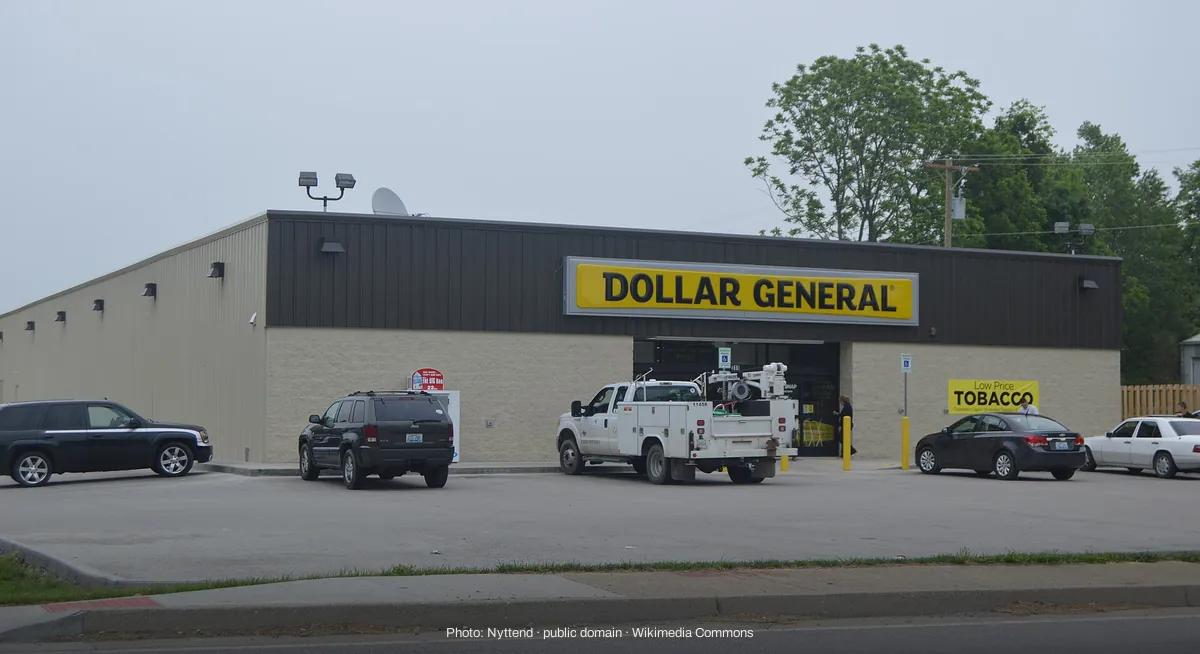
Commercial real estate deal flow is a volume game. A net lease buyer looking for a Dollar General in Ohio or a Starbucks in Texas, a multifamily fund screening Florida under 10 million dollars, and a lender or service provider looking for active brokers all start from the same marketplaces. Crexi is one of them, and its search is built for one person browsing, not for a team that wants every new listing in a sheet each morning with the broker on the same row.
Try it live: Crexi Scraper. Pay per result delivered.
The Crexi Scraper searches Crexi for sale, for lease and at auction by city, state, county, ZIP, tenant brand or keyword, with property type, subtype, price, cap rate, lease rate and size filters, or reads Crexi search and listing links you paste. Each row is one listing with asking price or lease rate, building and lot size, subtypes, tenants, zoning, full address with map point, status, the lead broker’s name, brokerage, license and profile link, every co-broker, and auction dates and bids. No login, no cookies and no API key.
Who uses this data
| Job | Input | What you read from the rows |
|---|---|---|
| Net lease deal flow | searchTerms with tenant brands, states, sortBy: "newest" | tenants, asking_price, cap_rate, city |
| Multifamily screening | propertyTypes: ["Multifamily"], price range | asking_price, units, square_footage |
| Space for lease | listingType: "lease" | lease_rate, spaces, available_sqft_max |
| Auction calendar | listingType: "auction" | auction_starts_on, starting_bid, reserve_met |
| Broker prospecting | Any search with details on | broker_name, brokerage_name, broker_license |
Net lease deal flow: a tenant brand in three states
{
  "listingType": "sale",
  "searchTerms": ["Dollar General", "Starbucks"],
  "states": ["TX", "FL", "OH"],
  "propertyTypes": ["Retail"],
  "sortBy": "newest",
  "maxItems": 120
}
searchTerms takes what you would type on Crexi: a city and state, a county, a ZIP, a street, a tenant brand or a keyword such as NNN or gas station. Each line is its own search and the filters apply to every line. Schedule it daily and compare listing_id with the day before.
Multifamily between 1 and 10 million dollars
{
  "listingType": "sale",
  "states": ["FL"],
  "propertyTypes": ["Multifamily"],
  "minPrice": 1000000,
  "maxPrice": 10000000,
  "maxItems": 150
}
A price filter returns priced listings only. Without one, unpriced listings come too, as on Crexi, flagged by unpriced. Sale property types are Retail, Multifamily, Office, Industrial, Hospitality, Mixed Use, Land, Self Storage, Mobile Home Park, Senior Living, Special Purpose, Note/Loan and Business for Sale. minCapRate and maxCapRate use Crexi’s own cap rate filter on sale searches.
Lease and auctions
{
  "listingType": "lease",
  "searchTerms": ["Miami, FL", "Dallas, TX"],
  "propertyTypes": ["Office", "Industrial"],
  "sortBy": "newest",
  "maxItems": 100
}
Lease rows carry lease_rate, the minimum and maximum rate per SF per year, rate_type, available space and a spaces list with each space’s name, size, rate and rate type. Filter by minLeaseRate and maxLeaseRate in USD per SF per year. For auctions, {"listingType": "auction", "maxItems": 200} returns live auctions with start and end time, starting bid, next minimum bid, bid increment, reserve met, participation deposit and buyer premium.
Python: new retail deals with a published cap rate
This script pulls retail listings in two states and keeps those where the broker published a cap rate of 6.5% or more, sorted by cap rate, with the broker on each line.
from apify_client import ApifyClient

client = ApifyClient("YOUR_APIFY_TOKEN")
run = client.actor("themineworks/crexi-scraper").call(run_input={
    "listingType": "sale",
    "states": ["TX", "OH"],
    "propertyTypes": ["Retail"],
    "sortBy": "newest",
    "maxItems": 300
})

deals = []
for row in client.dataset(run["defaultDatasetId"]).iterate_items():
    if "_type" in row:  # summary, info and error rows
        continue
    if row.get("cap_rate") and row["cap_rate"] >= 6.5:
        deals.append(row)

for d in sorted(deals, key=lambda r: r["cap_rate"], reverse=True):
    price = f"${d['asking_price']:,.0f}" if d.get("asking_price") else "unpriced"
    print(f"{d['cap_rate']:5.2f}%  {price:>14}  {d['name'][:40]:40}  "
          f"{d.get('city')}, {d.get('state')}  {d.get('broker_name')} ({d.get('brokerage_name')})")
Listing rows have no _type field; the summary, info and error rows do. Keep in mind the cap rate filter here runs on your side and only sees listings where the broker wrote the figure. Pass minCapRate in the input when you want Crexi’s own cap rate filter to do the work instead.
What a row holds
| Group | Fields |
|---|---|
| Every row | listing_type, listing_id, name, headline, status, property_type, property_subtypes, full_address, city, county, state, zip, latitude, longitude, listed_on, updated_on, url |
| Sale and auction | asking_price, price_per_sqft, cap_rate, cap_rate_source, noi, noi_source, square_footage, lot_size_acres, units, year_built, building_class, zoning, tenants, ground_lease, opportunity_zone, offers_due_on |
| Auction | auction_status, auction_type, auction_starts_on, auction_ends_on, starting_bid, next_minimum_bid, bid_increment, reserve_met, buyer_premium_percent |
| Lease | lease_rate, rate_type, available_sqft_min, available_sqft_max, spaces_available, spaces |
| Brokers | broker_name, brokerage_name, broker_phone, broker_license, broker_license_state, broker_profile_url, brokerage_website, brokerage_address, brokers |
| Text and media | description, investment_highlights, details, hidden_fields, images_count, has_offering_memorandum, has_flyer |
Fill rates on 510 sale listings with details in the README’s tests: price 94%, broker name and profile 100%, license 96%, brokerage 96%, building size 87%, description 95%, lot size 71%, zoning 51%, office phone 41%, cap rate 35%, year built 21%.
Broker lists
Every co-broker sits inside the row in brokers, so a CRM import needs no joins. For a fast export over a whole state, set includeDetails to false: rows then come from the search card with name, type, price, size, address, map point and brokerage, about 5 times faster, at the same price per row. The broker name, license and phone need details on. broker_phone is the office number on the broker’s license record, shown for about 4 in 10 sale listings; Crexi hides direct phones and emails. Follow the TCPA, CAN-SPAM and privacy laws when you contact brokers.
What it costs
| Event | Free plan | Gold and above |
|---|---|---|
| Listing | $1.70 per 1,000 | $1.35 per 1,000 |
| Run start | $0.001 | $0.001 |
A listing is $0.0017 on the Free plan and $0.00135 on Gold, with details, broker cards and auction terms included. The start fee is charged once per run, only once rows are ready. 20 listings with details took about 3 seconds and 240 listings about 17 seconds in the README’s tests.
Never charged: links that are not Crexi links, listings Crexi no longer has, a listing that a second search finds again, listings past maxItems, the summary, info and error rows, a run with no valid input or no results, and anything past your max cost per run.
Limits worth knowing
- Member only figures. Cap rate, NOI and year built come only from public listing text;
hidden_fieldslists what Crexi held back on each listing. - 1,499 per search on Crexi. The actor goes to 10,000 by reading a search with no single state state by state. Inside one state the cap stays at 1,499, so split by city or type.
- No documents. Offering memorandums, data rooms and anything behind a confidentiality agreement are not opened.
- US listings. States are two letter codes and prices are in USD.
Related
- Crexi Scraper, plus the Real Estate MCP for Zillow, Redfin and Realtor.com data inside AI agents
- Building a Real Estate Investor Deal-Sourcing Pipeline with Claude and Redfin
- Real Estate Agent Lead Lists: Extracting Contact Data from Redfin and Realtor.com
- The Real Estate Data Stack: Combining Zillow, Redfin, and Realtor.com for Full Market Coverage
Explore the scraper referenced in this article: inputs, outputs, and pricing, then run it on Apify.
Frequently asked questions
Why do only some Crexi rows have a cap rate? +
Crexi shows cap rate, NOI, year built, units and occupancy in its detail grid only to signed in members, and the actor does not sign in. It reads those figures from the broker's public headline, highlights or description when the broker wrote them there, and marks them listing_text. In the README's tests 35% of sale listings carried a cap rate.
Can I filter by cap rate anyway? +
Yes. minCapRate and maxCapRate pass the range to Crexi's own cap rate filter on sale searches. The row still shows cap_rate only when the broker wrote the figure in the public listing text.
Does the Crexi Scraper open offering memorandums? +
No. It never signs in and never opens offering memorandums, data rooms or anything behind a confidentiality agreement. has_offering_memorandum and has_flyer tell you whether the listing has one, so you know where to ask the broker.
How do I see only new deals each morning? +
Set sortBy to newest, save the input as a task and schedule it daily. Compare runs on listing_id to find new deals, and on asking_price and status to see price cuts and deals going under contract.
Allegro.pl Market Research: Prices, Sold Counts and Seller Data in Poland
Pull Allegro.pl offers by keyword, category or seller with price, delivery cost, Smart!, recent buyers, rating and seller type, then rank products by demand and landed price with a short Python script.
Chrono24 Watch Prices by Reference: Asking Prices, Box and Papers, Dealers
Export Chrono24 listings by brand, model or reference number with price, currency, seller type and country, add condition, year, box and papers and dealer rating from listing pages, and compare full sets with watch only listings in Python.
Copart Salvage Auction Data: Bids, Damage, Title and Sale Dates in One Sheet
Pull Copart lots from the USA, Canada, UK, Ireland and the Middle East by make, model, year, state, yard and damage, with current bid, buy it now price, odometer, title and sale date, and rank them in Python.
Dubai Used Car Prices and Rental Comps From Dubizzle UAE Listings
Pull Dubizzle UAE listings for used cars, property and classifieds with AED price, make, model, year, kilometres, bedrooms, size, agency and dealer, and turn them into price comps with a short Python script.